


Control the slightest detail of your scanner
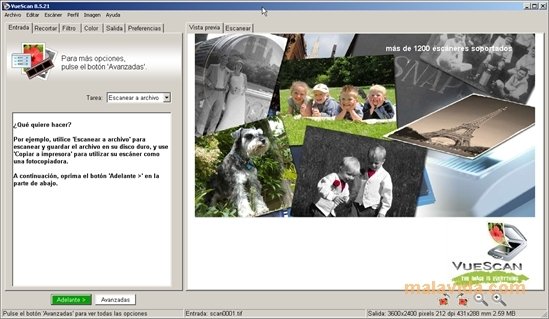
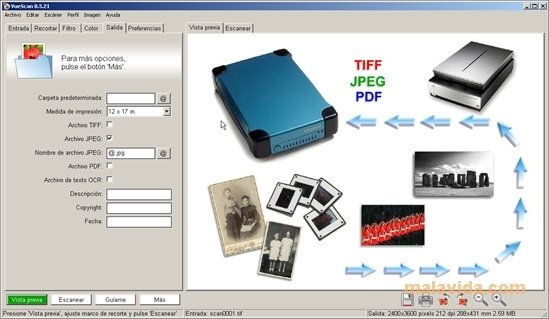
The quality of a scanned image depends in great part on how we have performed the scan, and because of this we need a good tool to control the scanner.
The majority of devices and editing and enhancing applications have their own tools to perform this task, but if we want to gain absolute control, the best option is to use an independent application like VueScan.
Give your scanner more functionality
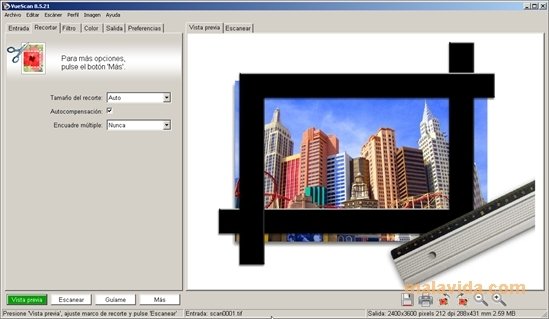
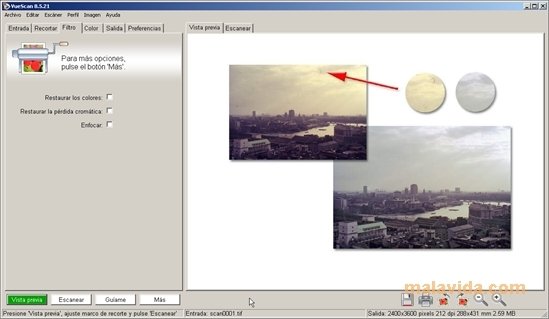
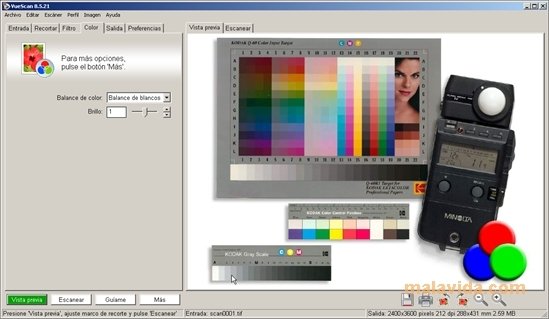
It's one of the most complete applications to scan images and documents that can be found on the market, providing a wide variety of parameters that will allow the user to choose and control even the slightest detail of the process.
The fact of being a professional tool does not mean that it isn't intuitive and easy to use, thanks to a didactic interface and several assistants that very easily explain the function of each of the parameters and guide us through the scanning process.
Improve your scanned documents and extend the life of your hardware.
The program, that's compatible with more than 2,800 scanners, is prepared to scan all kinds of supports, from images to microfilms, including photographic films and slides.
It has more than a dozen different modes, several kinds of tasks and can configure the scanning quality depending on what we're going to use the document for.
Ideal for professionals and amateur photographers alike, that want to obtain a result that is as near as possible to the original photo.
Requirements and additional information:
- This is a trial version with certain limitations.
 Antony Peel
A Telecommunications Engineer, chance led me to the translation industry, where after a few years, I discovered another side of the world of technology while translating what others were writing about mobile applications and software. That...